
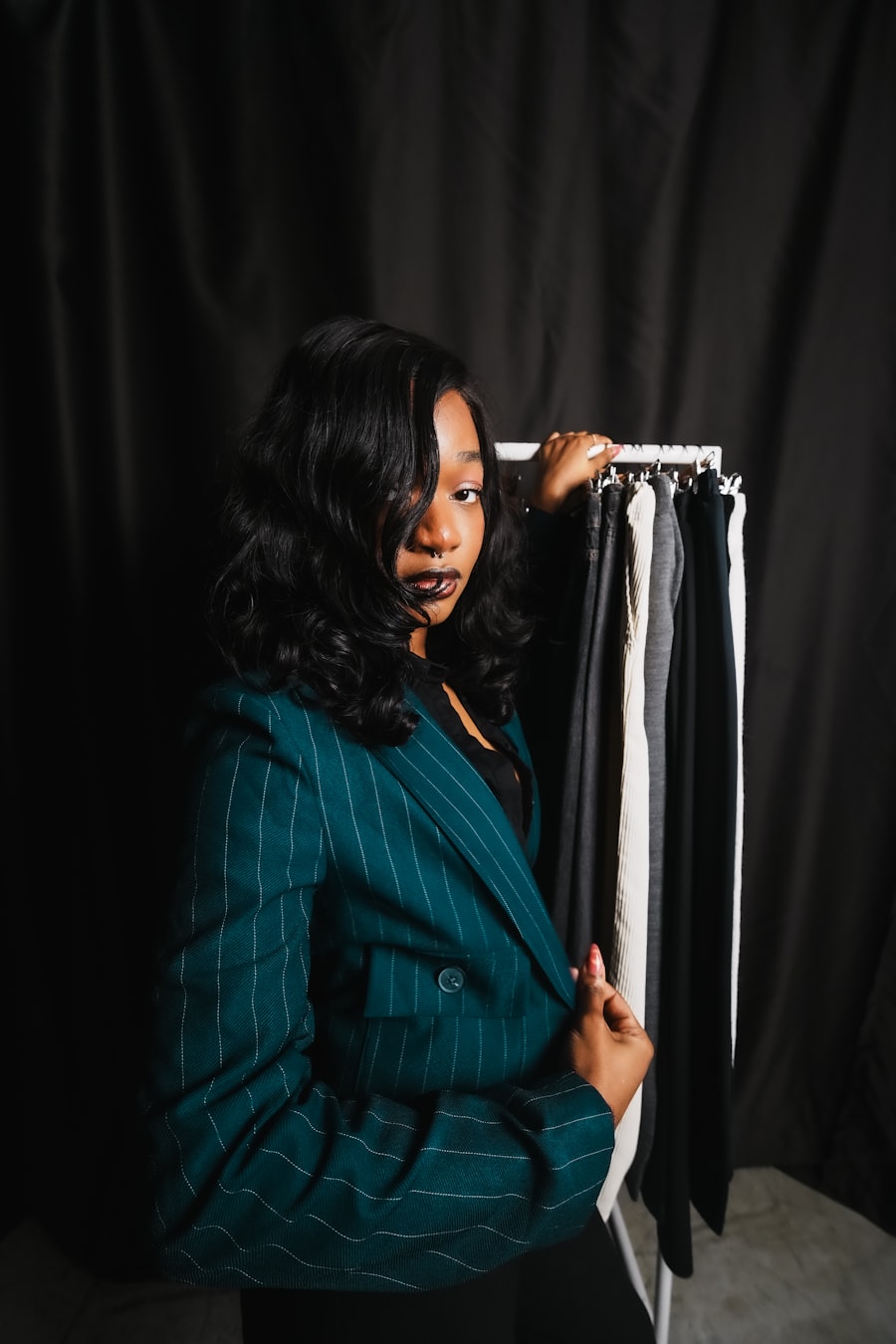
Tailored blazer
Structured office looks, suits, and premium profile portraits.
Upload a person photo, add a clothing reference or text prompt, and create realistic outfit changes with GPT Image 2. Sign in to receive 20 free credits every day.
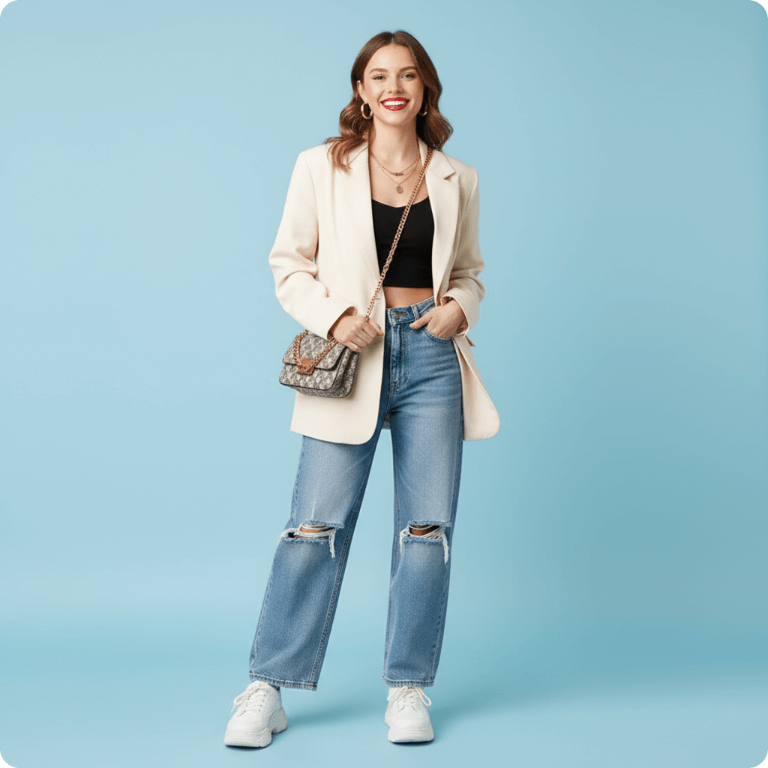
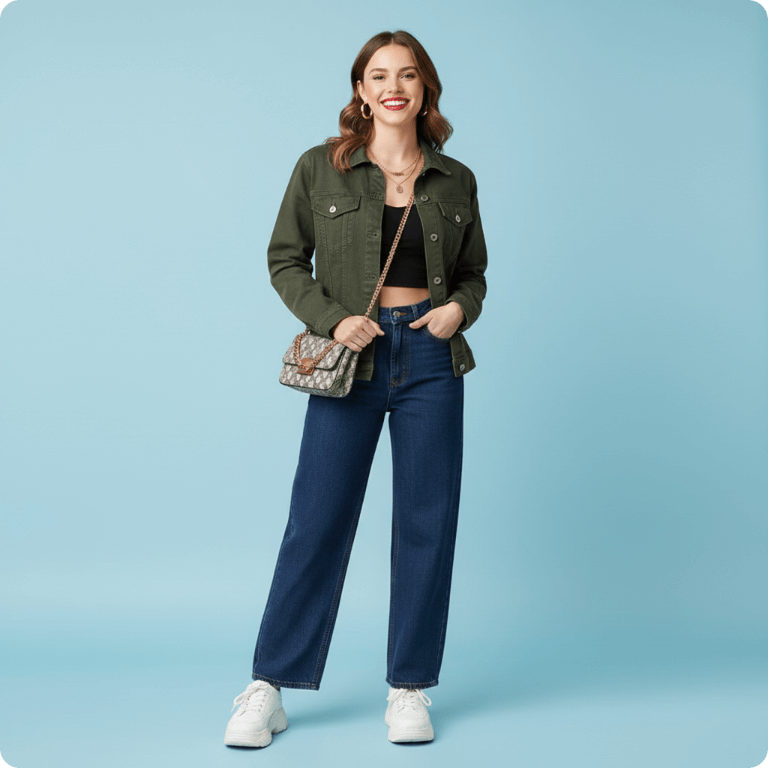
AI outfit studio
Use photos like these as reference inputs when you want the generated outfit to follow a specific fabric, color, silhouette, or occasion.
Structured office looks, suits, and premium profile portraits.
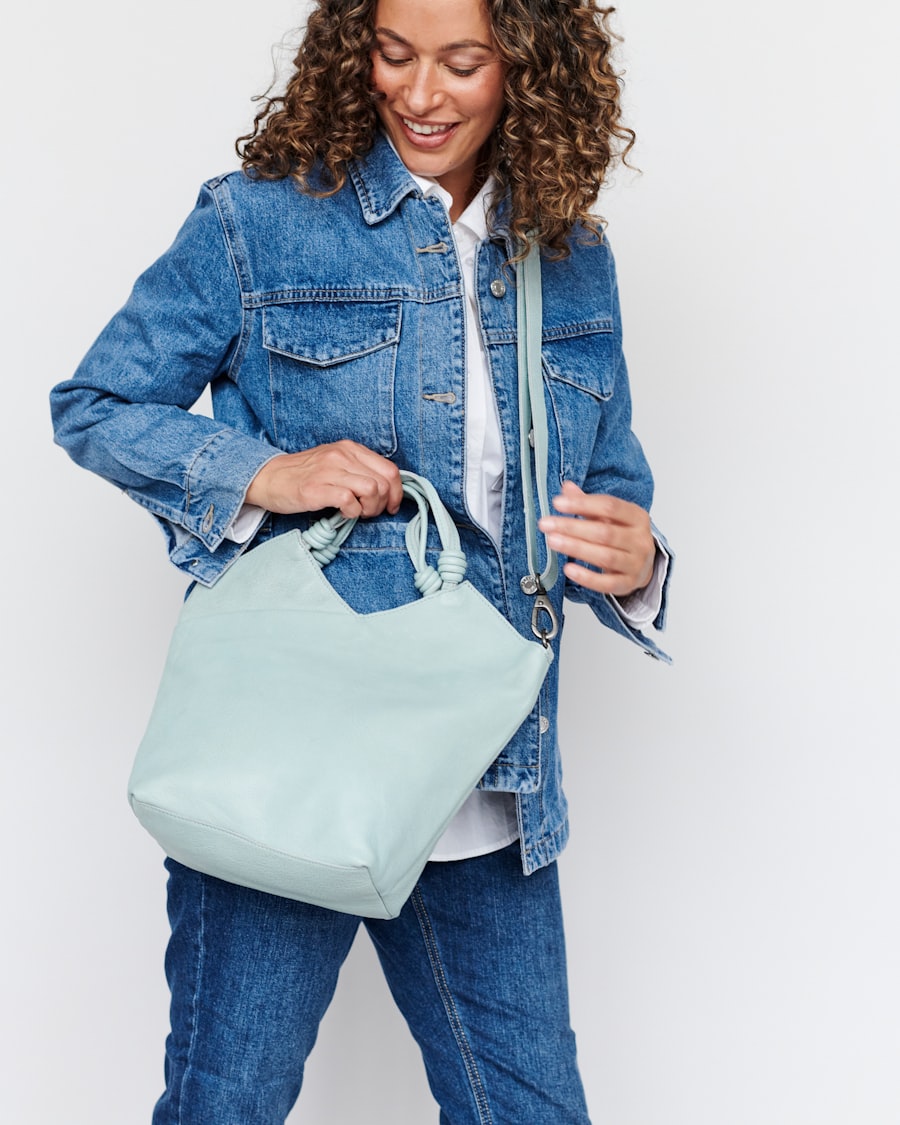
Streetwear, jackets, jeans, and everyday ecommerce styling.
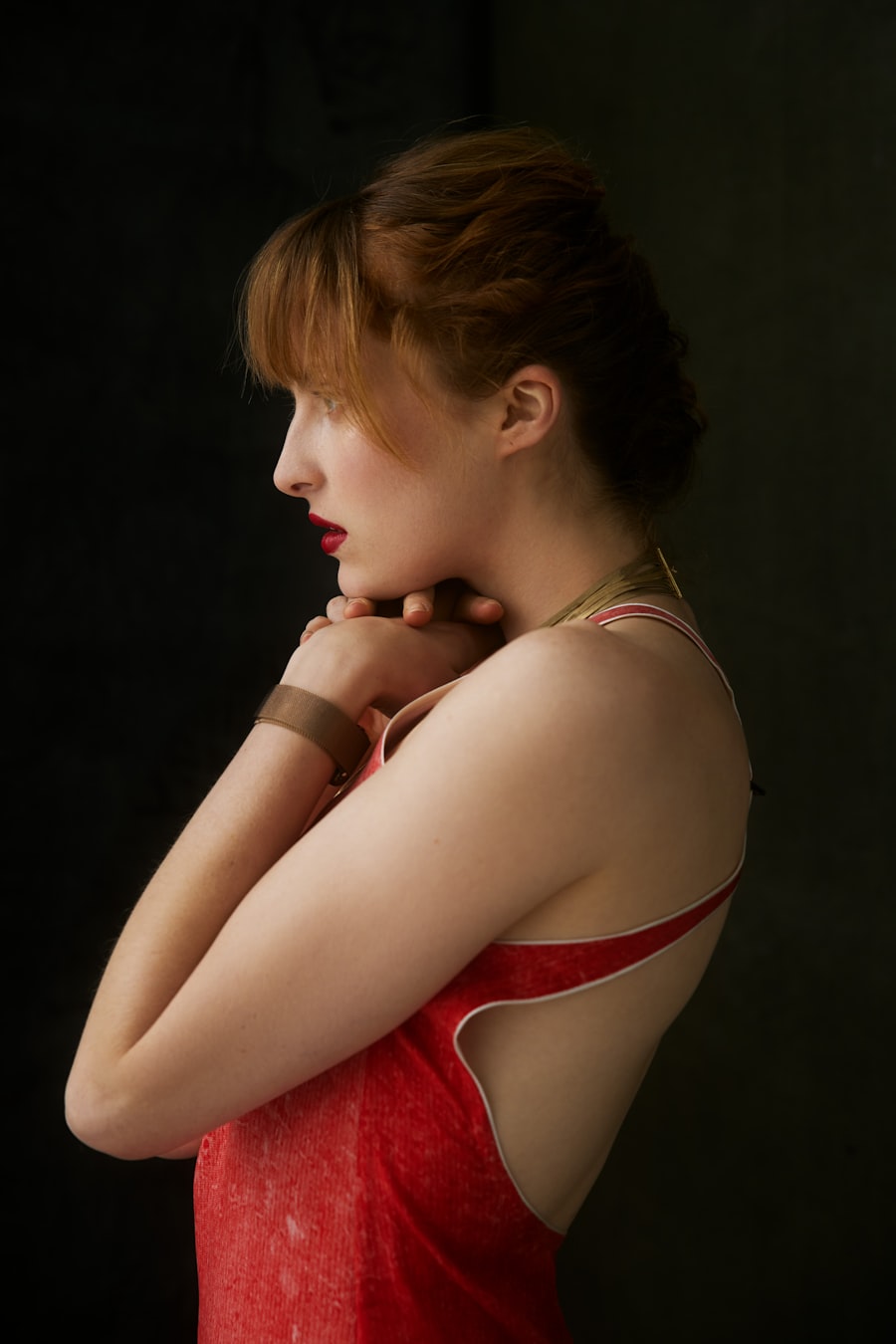
Formal dresses, color trials, and social-content outfit tests.
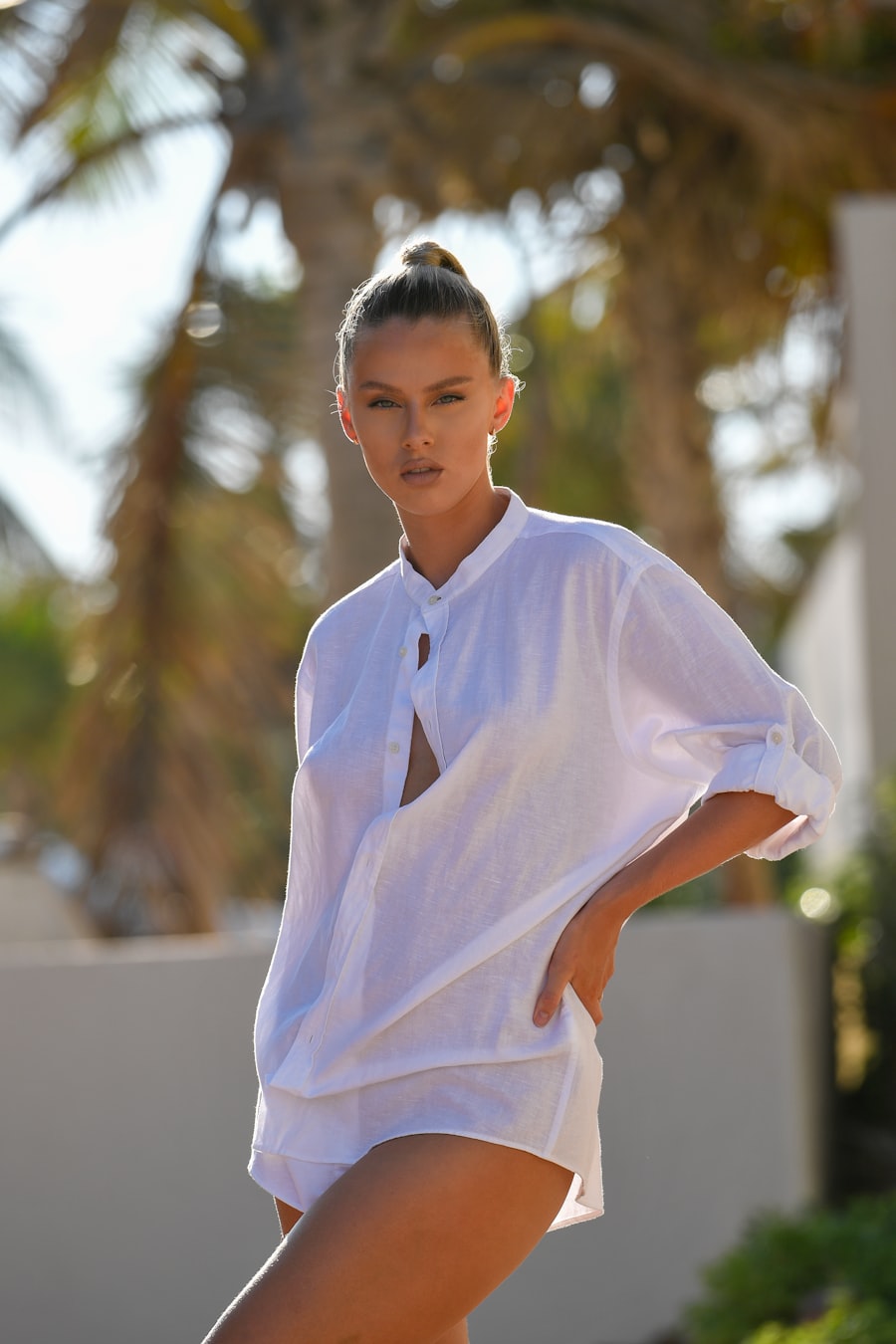
Vacation outfits, lightweight fabric, and soft lifestyle edits.
Reference images give visual control, prompts give exact styling, and credit-aware generation keeps the workflow predictable.
The result keeps the person, pose, lighting, and shadows consistent while replacing the clothing.
Use a reference outfit image for visual matching or write a detailed clothing prompt for custom looks.
Signed-in users receive 20 free credits every day. Each 1K clothes change uses 5 credits.
Choose a clear full-body or half-body image with visible clothing and stable lighting.
Upload one clothing image or describe the style, fabric, color, and occasion in the prompt box.
Spend credits to create the task, preview the result, then download or revisit it from history.
Yes. Upload one person photo and one clothing reference image to create a realistic AI outfit change. The tool is built for online photo clothes replacement, virtual try-on previews, social content, and model outfit editing.
Yes. Switch to Clothes Description mode and describe the garment type, color, fabric, fit, and occasion. This works well for text-to-outfit ideas such as business suits, streetwear, dresses, vacation outfits, or seasonal looks.
It can help create quick clothing mockups, model outfit previews, and ecommerce styling drafts before a real photoshoot. For product listings, use clear reference images and review the result manually before publishing commercial materials.
Use a clear full-body or half-body photo with visible clothing, stable lighting, and minimal obstruction around the torso and legs. Avoid heavy blur, crossed arms, cropped garments, or busy shadows when you need natural AI clothes editing.
Choose one clothing image that clearly shows the outfit, color, fabric texture, collar, sleeves, waist, and length. Front-facing product photos or clean model shots usually give better virtual try-on results than folded clothes or low-light screenshots.
The prompt asks GPT Image 2 to preserve identity, pose, body proportions, lighting, shadows, and background while changing the clothes. Complex poses or covered garments can still affect accuracy, so a cleaner source image usually produces a better result.
AI Clothes Changer uses gold credits by resolution: 1K costs 5 credits, 2K costs 10 credits, and 4K costs 15 credits. Signed-in users can receive 20 free credits every day.
Generated AI outfit images appear in the History tab. You can reopen the result, download the image, refresh history, or delete a task when you no longer need that clothes-change result.